Workflow · Native macOS
SFTP and SSH, together in one native Mac workspace.
Termy includes an SFTP client alongside its SSH terminals. Use it to work with files on an SSH-accessible server while keeping a shell and host diagnostics nearby. Native SSH and SFTP are part of Termy Free; the application requires macOS 26 or later.
Protocol
SFTP over SSHPlatform
macOS 26 or laterPlan
SFTP is included in FreeWorkspace
Files, terminals and host context togetherScope
Access is limited by the remote account permissions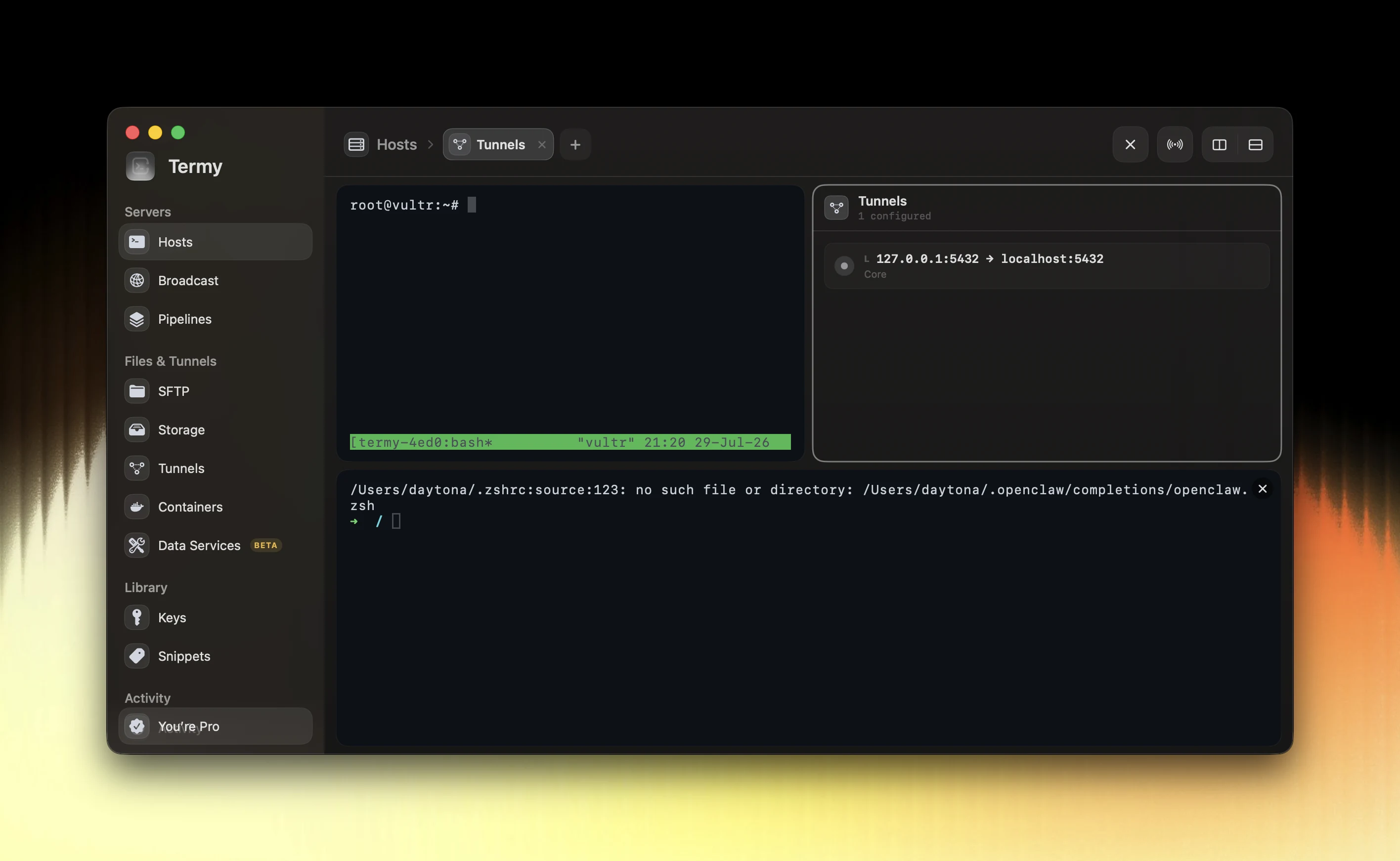
Keep file work attached to the right host
A common maintenance task moves between the shell and the filesystem: inspect a configuration, prepare a replacement, upload it and verify the result. Keeping those steps in one host workspace makes the destination easier to track.
Termy brings SFTP into the same application as split SSH terminals and Host X-ray. You can inspect server state before a transfer and return to the terminal for verification without switching to an unrelated connection profile.
A deliberate transfer workflow
Connect with the remote account intended for the task and confirm the destination host and directory. Inspect the existing file before replacing it. Keep a recoverable copy when the change affects a running service, and transfer a small test file first if you are checking access.
After the transfer, verify the resulting file and its ownership or permissions on the server. A successful copy and a successful configuration change are different checkpoints; service validation still belongs to your maintenance procedure.
- Check the selected host and remote directory.
- Confirm available space and remote account permissions.
- Preserve a recoverable version before replacing important files.
- Verify the file and the consuming service after the transfer.
Separate SFTP from object storage
SFTP works with a filesystem through SSH. S3-compatible storage uses object keys and buckets instead. Termy also has a storage workspace for Amazon S3 and compatible providers, but those connections are separate from an SFTP connection.
Choose SFTP when the target is a directory on an SSH-accessible server. Choose an object-storage connection when the target is a bucket. Do not assume filesystem ownership or permissions map directly to object-store access rules.
What the connection needs
The server must be reachable over SSH, provide an SFTP subsystem and permit the intended operations for your account. A terminal login alone does not guarantee write access to every directory.
The Free plan supports up to five hosts and five SSH keys. If your work requires a larger saved fleet and advanced operations, compare the current Pro plans on the pricing page.
Common questions
Do I need Termy Pro for SFTP?
No. Native SSH and SFTP are included in the permanent Free plan. Free has limits of five hosts and five SSH keys.
Is SFTP the same as FTP?
No. SFTP transfers files through SSH. This page describes Termy’s SFTP workflow and does not claim support for FTP or FTPS.
Can SFTP write to any server directory?
No. The remote account and server permissions determine which directories you can read or modify.