Workflow · Native macOS
Reach your data services from the same Mac workspace.
Termy connects to data services directly or through SSH tunnels. Its integrations include PostgreSQL, MySQL, Redis, MongoDB, RabbitMQ and ClickHouse. Keep database access, server terminals and operational context in one native application for macOS 26 or later.
SQL databases
PostgreSQL and MySQLOther data services
Redis, MongoDB, RabbitMQ and ClickHouseConnection paths
Direct access or through SSHFree plan
One direct data-service connectionPlatform
macOS 26 or later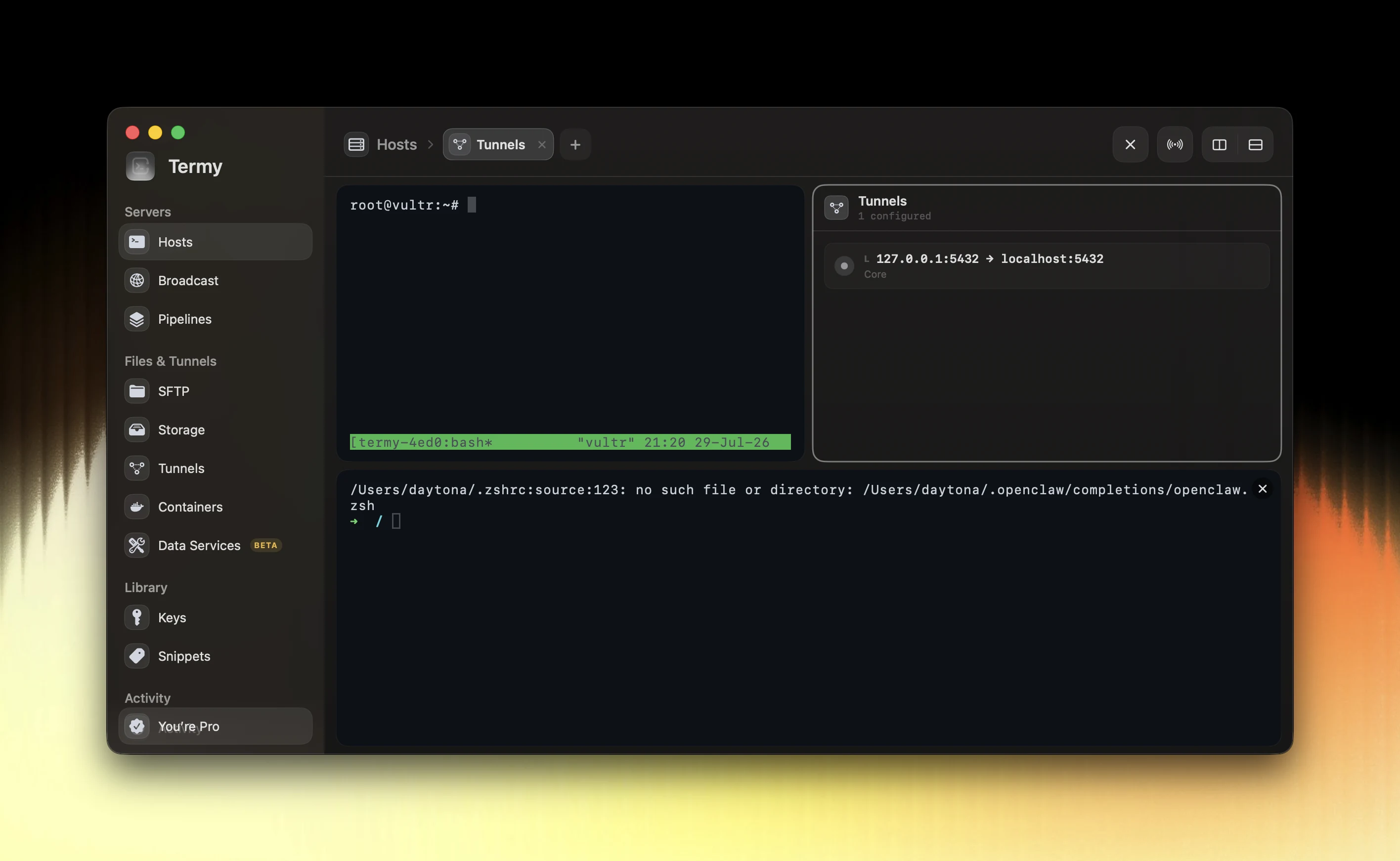
Choose direct access or an SSH tunnel
A direct connection is appropriate when the service is already reachable from your Mac through your intended network. If a service is reachable only from a trusted server, an SSH tunnel can provide a path without exposing its port publicly.
Treat the SSH connection and the data-service login as two separate layers. The SSH account provides the network path; database credentials and roles still determine access inside the service.
Check the route before the credentials
Identify the service host and port from the perspective of the SSH host, not only from your Mac. Confirm that the jump server can reach that destination. Then supply the data-service credentials and the TLS settings required by your environment.
If the connection fails, test each layer in order: SSH route, remote reachability, TLS and certificate expectations, then database authentication and authorization. Changing passwords will not fix a blocked network path.
- Confirm the intended database and environment.
- Choose a direct route or a reachable SSH host.
- Use a data-service account with the required scope.
- Verify the connection before running operational work.
Keep infrastructure context nearby
A database issue can originate in the host, the network or the service itself. Termy places the data-service connection alongside SSH, tunnels and Host X-ray so you can inspect the infrastructure context without switching applications.
For a production change, keep verification and rollback specific to the service. Access through a tunnel does not change the effect of a query or remove the need to use the correct database role.
Understand the Free connection limit
Termy Free includes one direct data-service connection, alongside its core SSH and SFTP workspace. Pro is intended for broader data-service and production workflows.
Supported services have different protocols and capabilities. A listed integration does not mean every feature is identical across PostgreSQL, Redis, RabbitMQ and the other services. Use the relevant service’s own access and operational requirements.
Common questions
Can Termy access PostgreSQL through SSH?
Yes. Termy supports direct data-service access and SSH-tunneled connections, including PostgreSQL. The SSH route and database authentication remain separate.
Does Termy support Redis and MySQL?
Yes. Redis and MySQL are listed integrations, alongside PostgreSQL, MongoDB, RabbitMQ and ClickHouse.
How many direct data-service connections are in Free?
The permanent Free plan includes one direct data-service connection.