Comparison · Native macOS
Considering a Termius alternative on Mac?
Termy is an option for engineers who want a native Swift workspace on macOS 26 or later, with SSH, SFTP, host diagnostics, containers and data services together. Evaluate it against your own connection, platform and team requirements before switching an established workflow.
Termy platform
macOS 26 or laterImplementation
Native Swift applicationFree core
Five hosts, five SSH keys, SSH and SFTPPro workflows
Host X-ray, fleet execution, containers and data servicesMigration boundary
No promise to import a Termius account or cloud vault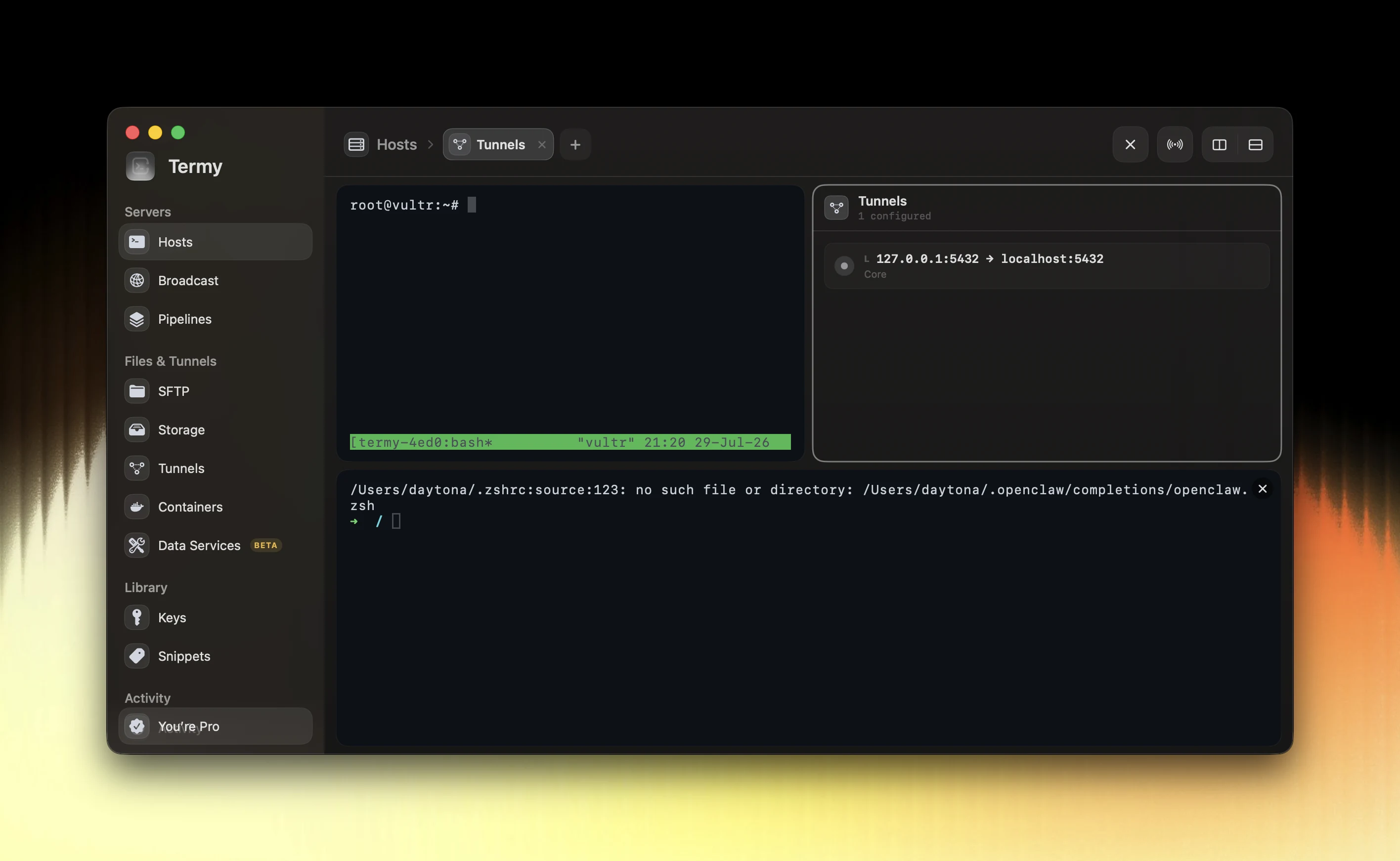
Choose by the work you need to do
A terminal client can be enough for an individual shell. Termy is designed for work that also involves the host filesystem, service health, containers, tunnels and data services. Host X-ray and Safe Actions make that operational context central to the workspace.
Try a representative task rather than comparing feature counts alone: connect through your real jump route, inspect a service, transfer a file and verify a routine operation. The result should be easier to understand and repeat in your environment.
An evaluation checklist for your Mac
Start with the permanent Free plan on a Mac running macOS 26 or later. Add a small set of hosts and your intended authentication method. Use the same workloads you already understand so you can compare the experience without changing your infrastructure at the same time.
- Verify password or SSH-agent authentication and host-key handling.
- Test the jump route and SSH config patterns you rely on.
- Check terminal, SFTP and tunnel behavior for your normal tasks.
- Try the Pro integrations you need and review the actual plan limits.
- Keep the existing setup available until the replacement is verified.
Understand Termy’s data model
Termy keeps infrastructure credentials in Keychain or with your external SSH agent. The website and account service handle licensing and billing; commands, terminal output, server addresses and incident evidence are not sent for analytics.
Optional iCloud sync and measurement are opt-in. Review the Privacy Policy before deciding how the application fits your environment. These statements describe Termy; they are not a claim about another vendor’s data practices.
Check the limitations before switching
Termy’s current download requires macOS 26 or later. If you need earlier macOS releases or a non-Mac desktop client, this build does not meet that requirement.
OpenSSH aliases can be linked or imported, but this is not a promise to migrate a Termius account or cloud vault. ProxyCommand is not supported. Termy Playbooks also implement a documented subset of Ansible behavior rather than embedding ansible-playbook.
Plan names, pricing and features of other products can change. Check the current documentation for each product against the platform, authentication and collaboration requirements of your team.
Common questions
Is Termy a native Mac application?
Yes. Termy is built in Swift and its current public download requires macOS 26 or later.
Can I import my Termius account into Termy?
This site does not promise a Termius account or cloud-vault migration. Termy supports OpenSSH config import and explicit links to SSH aliases.
Can I try Termy before buying Pro?
Yes. Termy Free is a permanent core workspace with SSH and SFTP, up to five hosts and five SSH keys, basic Host X-ray and one direct data-service connection.